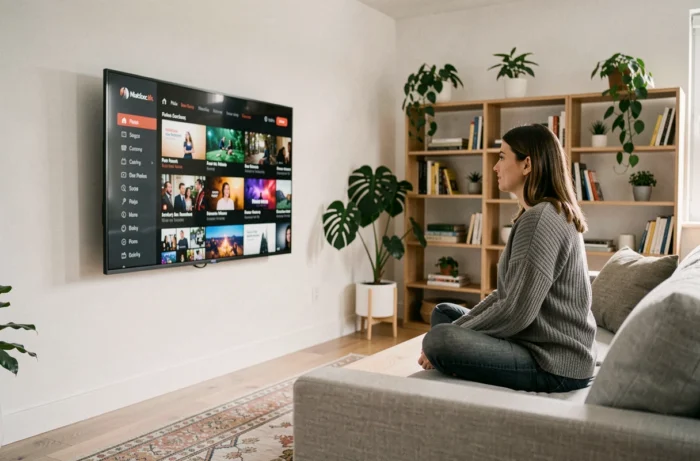
Canal+ delivers its content through a streaming app that works with most connected screens. All you need is an active subscription and an internet connection to watch live channels and on-demand programmes, without a physical decoder or an operator’s set-top box.
Simultaneous streams and limits of Canal+ plans without a decoder
Before choosing a device, the first thing to consider is how many screens you can use at the same time. Plans taken out without a commitment since January 2025 allow just one simultaneous stream, with the option to add extra access for an additional fee.
This restriction can make a big difference in a household with several viewers. Traditionally, a standard subscription with a decoder allowed you to watch on the main TV while using the myCANAL app on a second screen. With an all-streaming plan, this dual use is no longer guaranteed by default.
For individual use (one active screen at a time), the difference is barely noticeable. For couples or families, it’s best to check the details of the plan you’re considering before selling your decoder. Several online guides explain how to access Canal Plus without a decoder while taking these restrictions into account.
myCANAL app on a smart TV: compatibility and reliability

The myCANAL app is available on TVs running Android TV, Google TV, webOS (LG), Tizen (Samsung) and tvOS (Apple TV). It provides access to live channels, catch-up TV and the on-demand catalogue.
Hardware compatibility doesn’t guarantee the same experience on every device. For example, some LG TV users report stuttering video in the Canal+ app, an issue that can be made worse or resolved by the TV brand and firmware version. Testing the app during a trial period (if available) or with free content is the most reliable way to check stream stability before signing up.
If the TV’s built-in app causes problems, an HDMI streaming device such as a Chromecast, Fire TV Stick or Apple TV 4K often delivers a more stable experience. These devices have their own operating systems and updates, independent of the TV manufacturer.
What to consider when choosing between a built-in app and an HDMI device
- TV age: a model that’s more than four or five years old rarely receives app updates, which can prevent myCANAL from launching or reduce picture quality.
- Built-in Wi-Fi quality: the Wi-Fi antennas in entry-level TVs often have weaker reception than an external device connected via HDMI, which can be placed closer to the router or connected to Ethernet using an adapter.
- Budget: a streaming stick costs less than a Canal+ decoder and also gives you access to other platforms (Netflix, Disney+, Prime Video) from a single menu.
Using your Canal+ subscription elsewhere in Europe without extra equipment
European Regulation 2017/1128 requires online paid-content providers to maintain access during a temporary stay in the European Union. In practice, Canal+ subscribers travelling to Spain or Germany can still access their French catalogue through the myCANAL app, without a VPN or any special equipment.
This portability applies to occasional trips, such as holidays or business travel. It does not cover a permanent move outside France. The provider may periodically check that France remains your main country of residence.
For subscribers who split their time between two homes in the EU, the distinction between a “temporary stay” and “residence” can lead to access issues. The regulation does not set a specific maximum duration, but Canal+ reserves the right to restrict access if most of your usage takes place abroad.
Programme availability by Canal+ reception method
Not all programmes are available in the same way, depending on whether you use a decoder, DTT or the streaming app. Some sports or event content may only be available through a specific delivery method because of broadcast rights restrictions.
The service lineup (the list of channels and their numbers) changes regularly. A programme available through a satellite decoder may not appear in the app catalogue at the same time. This difference is due to broadcast agreements signed with each channel, not a technical limitation of the app.
Check availability before subscribing
The Canal+ support website publishes updates to the service lineup. Before signing up for a plan without a decoder to watch specific content (a sporting competition or an exclusive series), checking this page can help you avoid disappointment.
If you’re unsure whether a channel is included in the streaming plan, Canal+ support can confirm its availability by reception method (satellite, DTT or app). It only takes a few minutes and can help you avoid choosing the wrong subscription.
Watching Canal+ without a decoder requires a subscription, an internet connection and a compatible device. The apparent simplicity hides some important differences: the number of simultaneous streams, reliability depending on your TV, and catalogue coverage compared with a decoder. Checking these three points before signing up is the best way to choose a plan that suits how you’ll actually use it.