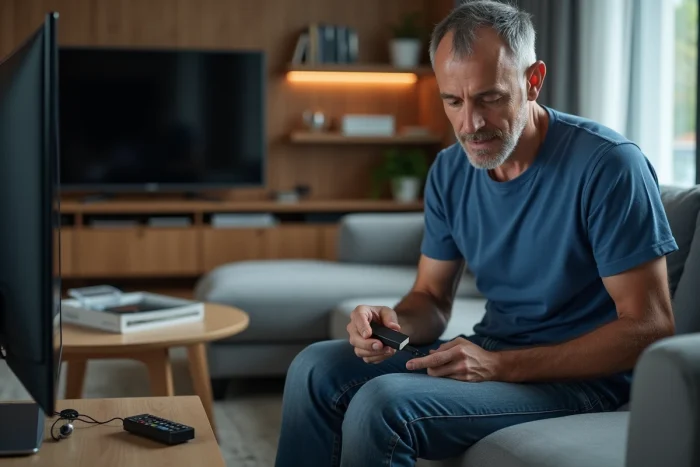
No antenna is required to receive TNT channels on a connected TV or a device like the Mi TV Stick. Most legal streaming platforms now offer access to major live channels, provided there is a stable internet connection. However, some services impose geographical restrictions or specific identifications, sometimes resulting in unexpected limitations. Users of Android TV solutions also have dedicated apps that can bypass the lack of terrestrial signal while maintaining the essential features of linear television.
Why watching TNT without an external antenna is attracting more and more users
Digital terrestrial television no longer necessarily means installing an antenna on the roof or a bulky indoor antenna. Today, to enjoy TNT channels, solutions are multiplying and freeing themselves from cables. High-speed internet is reshuffling the cards: the linear stream now passes through apps, streaming, the Android universe, or devices like the Mi TV Stick.
Watching TNT without an external antenna meets several desires. First, freedom: installing a TV in a bedroom, taking the Mi TV Stick on the go, accessing favorite channels on a smartphone, tablet, or computer. For owners of Samsung, Sony, LG, TCL TVs or Android boxes, the simplicity of installing an app is appealing, without any DIY or intervention on the hardware. The image quality offered by the internet connection also attracts sports or documentary enthusiasts. As for replays and enriched content, they become accessible in seconds, without any complex manipulation.
This trend is affecting all profiles: families, young professionals, connected seniors are adopting these alternatives. Even telecom operators are getting in on the action, offering TNT channel packages available directly online. To explore in detail the different methods for receiving TNT with a Mi TV Stick or other similar devices, the guide Access to TNT channels via Mi TV Stick: methods and tips – Geek Wise details each option. We are witnessing a real shift: freeing oneself from hardware constraints while fully enjoying the French TV offering, from France 2 to Arte.
What solutions are there to easily receive TNT with a Mi TV Stick?
Dedicated apps: the choice of simplicity
Installing a specialized app for TNT channels from the Google Play Store remains the fastest solution. Several apps, often free with ads, allow access to the entire national bouquet, live or in replay. On the Mi TV Stick, the Android ecosystem ensures intuitive navigation with the remote control and a smooth experience.
Streaming via smartphone, tablet, or computer
Multi-screen enthusiasts can rely on the built-in Chromecast feature. Simply launch the channel of your choice from a smartphone, tablet, or computer, then cast the image to the TV without any additional connections. This flexible approach only depends on the quality of the internet connection and often offers a better image quality than that of a traditional indoor TNT antenna.
Here are some concrete options to leverage the full potential of the Mi TV Stick:
- Official apps for Android: direct access to channels, stable interface.
- Free streaming services: to vary sources, provided compatibility is checked.
- Using a smartphone or tablet as a smart remote via the home network.
All these methods, combined with ease of installation, make the Mi TV Stick a valuable ally for receiving TNT, without a traditional antenna or multiple devices.
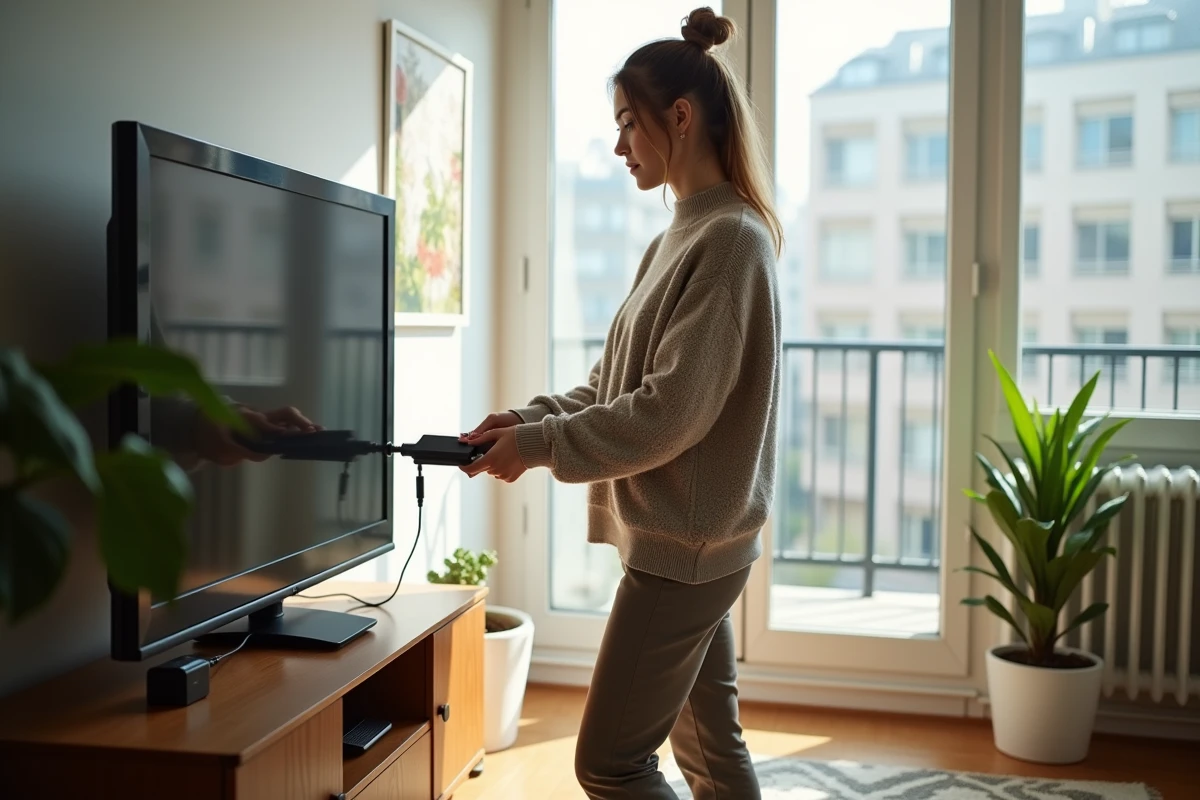
Apps and streaming services: advantages, limitations, and tips for an optimal experience
Immediate access to channels and content
Installing an app on your Mi TV Stick means accessing the essentials of TNT channels without relying on an indoor TNT antenna. You can enjoy replay, live programs, and also access a vast selection of movies, documentaries, or sports events, sometimes enhanced with recommendations or temporary recording options. Streaming is essential for those who want to explore different offers without complicated connections.
Image quality and stability: issues to master
Image quality can sometimes reach HDR on certain platforms, but it all depends on the internet connection. Limited bandwidth can lead to interruptions and reduced resolution. DRM (Digital Rights Management) sometimes imposes restrictions, especially with unofficial apps or when streaming from a computer, tablet, or smartphone. To avoid any unpleasant surprises, prefer recognized apps from the Play Store for Android, ideal for ensuring compatibility with the Mi TV Stick.
Here are some practical tips to optimize your experience:
- Ensure you have a reliable Wi-Fi connection before starting the installation.
- Opt for official apps, which are more stable and reliable.
- Regularly perform updates to benefit from the latest improvements.
The Mi TV Stick and the diversity of streaming services pave the way for a new way to watch television. Provided you adapt your habits and ensure the quality of your home network, comfort of use is guaranteed. No need for an antenna or compromises: TNT is modern and accessible in every living room.